Control your machine.
Not the other way around.
Notch helps Windows users understand screen time, protect deep focus, set daily app limits, and build intentional computing habits.
Windows 10 / 11 (64-bit) · ~73.5 MB installer · Free & local-first

A calm, silent presence on Windows.
Built with PySide6 and Windows APIs, with local activity history, explicit focus sessions, and practical controls for everyday computer use.
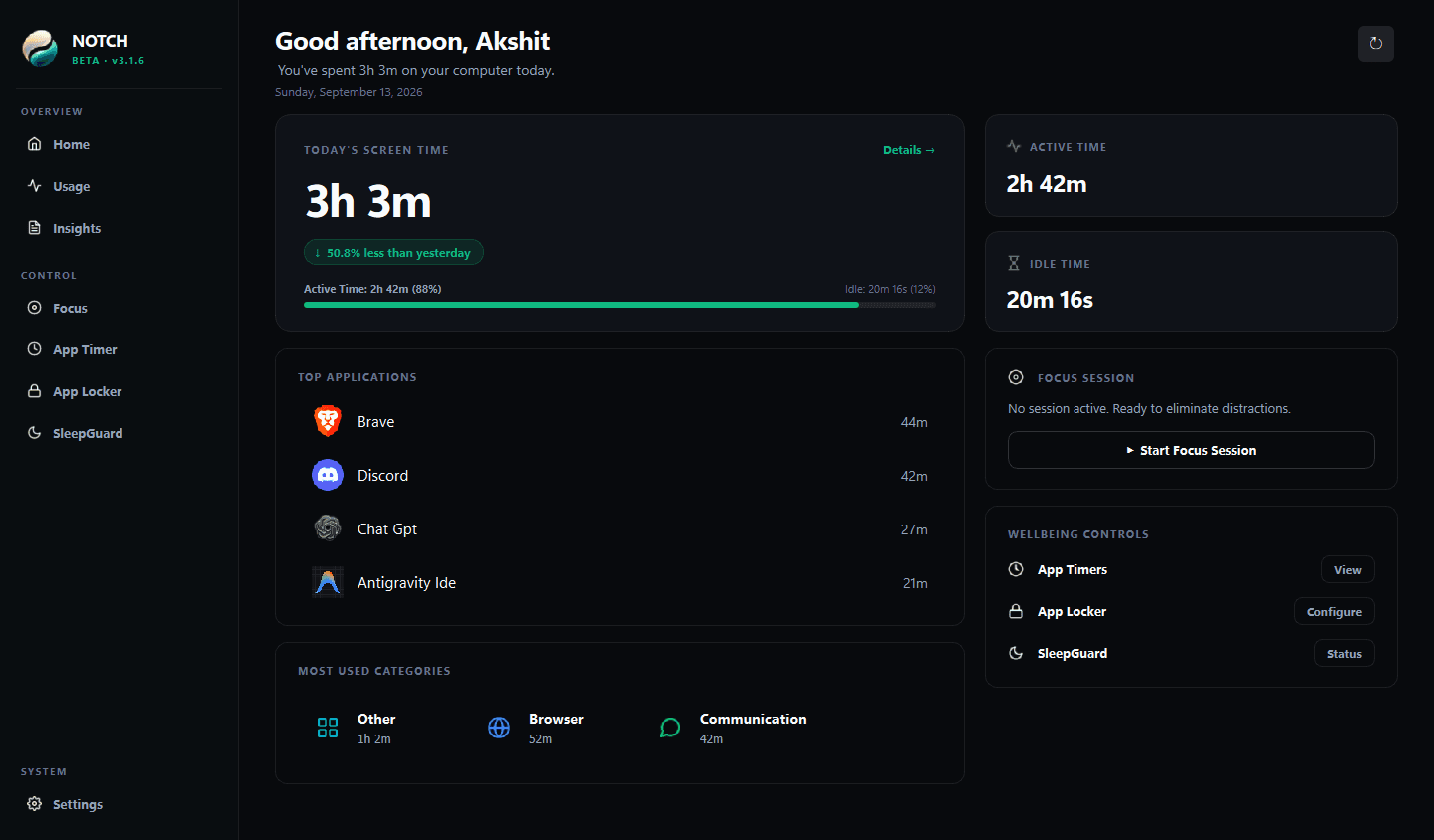
Engineered for focus. Tested for safety.
Explore the foundational capabilities engineered to give you control over your operating system.
Take distractions off the table. Completely.
A blocker asks you to negotiate with yourself every ten minutes. Notch's Focus Mode removes the option entirely at the Windows process level with profile presets (Study, Work, Movie, Deep Focus, Custom) and reversible hosts-based website distraction blocking.
Deep Focus Mode
Kernel-Level Process Interception & Website Blocking
Crafted for day and night.
Notch supports both Dark and Light themes. Engineered natively with clean typography, high-contrast analytics, and Mica acrylic aesthetics tailored for any ambient lighting.
Why conventional blockers fail.
Conventional website blockers ask you to negotiate with yourself every ten minutes. They rely on browser extensions you can disable in two clicks, and barrage you with patronizing "productivity scores".
Willpower is a finite resource. When you are mentally exhausted at 4:00 PM, you will click past an extension block every single time.
Notch operates on a mechanical principle: if the distracting application is locked or suspended at the process level, there is nothing left to negotiate. You return to your work because there is nothing else on the table.
Zero Friction Negotiation
Lock your game clients and social platforms into Deep Focus sessions. The barrier is physical and intentional, not psychological.
Protected Process Architecture
Windows system processes (`explorer.exe`, `dwm.exe`, background services) are strictly immune to termination, keeping your PC stable.
Circadian Sleep Guard
Prevents late-night passive video bingeing by safely sleeping the computer when user inactivity is verified.
Your activity history stays on this device.
Usage and study records are stored in a local SQLite database. Notch does not upload those records or sync them to a cloud account.
Local activity storage
Application history, focus sessions, and study plans are stored in a SQLite database on your PC. Notch does not upload this activity data.
Limited app heartbeat
The desktop app sends a heartbeat with a random installation ID and app version only. It does not contain usage or study records.
No account or cloud sync
Core features do not require sign-in or cloud sync. When automatic update checks are enabled, Notch contacts GitHub to check for releases.
Notch does not encrypt its local SQLite database. This marketing website uses Vercel Analytics and Speed Insights for website visits; those website measurements are separate from desktop activity data.
A few useful details.
What can I plan in Student Workspace?
Organize subjects and weekly study targets, create recurring weekday blocks, track assignment and exam due dates, break exams into revision topics with progress and time targets, set optional reminders, and review study sessions recorded in Notch.
Does Notch send my screen-time or study history?
No. Those records stay in the local SQLite database. The app heartbeat contains a random installation ID and app version; update checks may contact GitHub when enabled.
Is the local database encrypted?
Notch does not encrypt the SQLite file. Protect the Windows account and device where the file is stored.
Do I need an account or an internet connection?
No account or cloud sync is required. The app can use its local features offline; heartbeat and enabled update checks use the network.

Experience intentional computing.
Notch is free to download and local-first. No account, email signup, or cloud sync is required.
Windows 10 / Windows 11 (64-bit) · Independent Software · v3.6.4